
Fake Loading Screen Mobile: Best Infinite Prank Tool
Launch the ultimate fake loading screen mobile prank. Freeze your phone with our infinite loading screen prank tool and trick friends instantly.
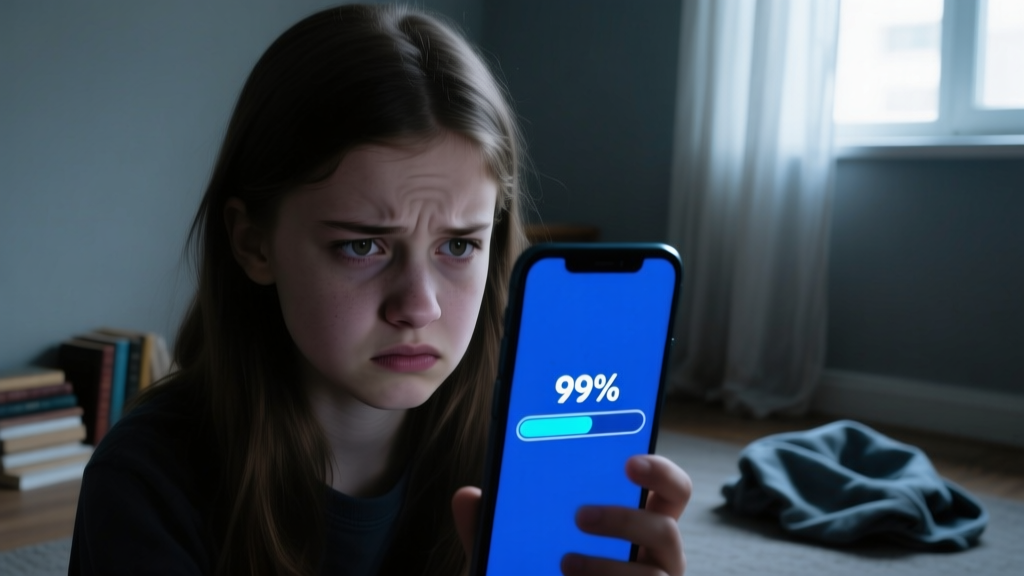
Looking for the ultimate fake loading screen mobile trick to play on your friends? Our browser-based utility transforms any smartphone into a frozen, unresponsive device, making it the most reliable fake loading screen mobile tool available online. Whether you want to simulate a crashed application, a stalled system update, or a frozen web page, this guide covers the exact technical setup and psychological triggers required to execute a flawless prank loading screen.
Unlike low-quality video loops that fail under scrutiny, our tool leverages native browser APIs to render authentic, OS-level loading animations. This ensures that even the most tech-savvy victims will believe their device has genuinely locked up. Below, we break down the mechanics of the infinite loading screen prank, how to bypass modern mobile browser UI restrictions, and the psychological thresholds that make this specific loading screen prank so effective.
How to Execute the Perfect Fake Loading Screen Mobile Prank
The core mechanism behind our infinite loading screen prank relies on the HTML5 Fullscreen API. When a user taps the 'Start' button, the browser requests permission to hide the user interface, including the URL bar, navigation buttons, and status indicators. According to the MDN Web Docs on the Fullscreen API, modern mobile browsers in 2026 (such as Safari 19 on iOS and Chrome 128 on Android) enforce strict user-gesture requirements before granting edge-to-edge rendering. This means the victim must physically tap the screen to initiate the loading screen prank, which cleverly disguises the setup phase as a standard app interaction.
Step-by-Step Setup for Maximum Realism
- Select the Target OS Environment: Choose between iOS, Android, Windows, or macOS loader styles. Matching the victim's actual operating system is critical for a believable fake loading screen.
- Configure the Stall Point: Set the progress bar to freeze at a specific percentage (99% is highly recommended for maximum frustration) or select an infinite spinner loop.
- Initiate Fullscreen Mode: Tap the 'Launch Prank' button. Hand the device to your target, claiming you need help with a 'stuck download' or a 'frozen update'.
- Observe the Reaction: Watch as they attempt to swipe, tap, and force-close an application that is actually just a locked browser tab.
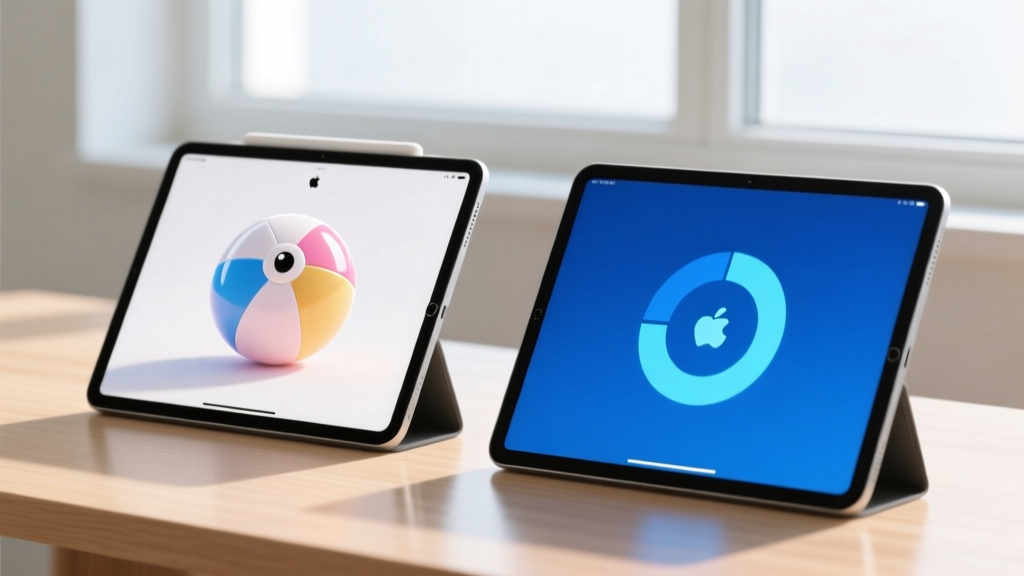
Customizing Your Infinite Loading Screen Prank
A successful loading prank requires attention to visual detail. A constant, perfectly linear spin looks artificial to the human eye. Real operating systems use complex cubic-bezier timing functions to create micro-stutters that mimic actual I/O hang states and CPU thread blocking. Our tool randomizes these animation frames to simulate genuine hardware strain.
| Spinner Style | Target OS | Best Scenario | Psychological Impact |
|---|---|---|---|
| iOS Homebrew Update | Apple iOS | Handing phone to a friend to 'check an app' | High anxiety; users fear interrupting a BIOS-level flash |
| Android System Optimization | Android 16+ | Leaving phone on a table 'while it updates' | Mild annoyance turning into frustration after 30 seconds |
| macOS Spinning Beach Ball | Apple macOS | Using a tablet or laptop in a public space | Immediate association with app crashes and lost work |
| Windows 11 Blue Circle | Windows / x86 | Simulating a forced Windows update | Resignation; users expect Windows to take arbitrarily long |
The Psychology Behind the Loading Screen Prank
Why does a simple fake loading screen cause such intense frustration? The answer lies in human-computer interaction thresholds. According to research by the Nielsen Norman Group, users lose their train of thought and experience severe cognitive friction when system delays exceed 10 seconds. By deploying an infinite loading screen prank, you are intentionally pushing the victim past the 10-second limit, forcing them into a state of learned helplessness where they repeatedly tap the screen, swipe up, or mash the power button.
The most effective prank loading screen setups exploit the 'sunk cost fallacy'. If the progress bar is stuck at 98% or 99%, the victim will wait significantly longer before attempting a hard reboot, believing the process is 'almost done'. This specific metric manipulation is what separates a basic joke from a masterful loading prank.
Advanced E-E-A-T: Hiding the Browser UI in 2026
The biggest giveaway of a web-based fake loading screen mobile tool is the browser's URL bar or the bottom swipe indicator. To achieve a true native-app illusion, you must utilize Progressive Web App (PWA) manifest behaviors.
The 'Add to Home Screen' Bypass
Before handing the phone to your target, open the tool in Safari or Chrome, tap the Share menu, and select 'Add to Home Screen'. When launched from the home screen icon, the browser operates in standalone display mode. This completely strips away the URL bar, tab switcher, and browser menus. The fake loading screen mobile will now occupy 100% of the OLED display, including the dynamic island or punch-hole camera cutouts, making it indistinguishable from a native system process.
The Secret Escape Hatch
Safety is paramount when executing a loading screen prank. If your target becomes genuinely panicked or attempts to throw the device, you need an immediate kill switch. Our tool features a hidden gesture: rapidly double-tapping the top-left corner of the screen will instantly break the Fullscreen API lock and return to the normal browser interface. Memorize this gesture before initiating the loading prank.

FAQ: Mastering the Loading Prank
How do I trigger an infinite loading screen prank without them knowing?
The best method is the 'bait and switch'. Open a legitimate, heavy web page or a graphically intensive mobile game, then quickly switch to your pre-loaded PWA home screen icon of the infinite loading screen prank. Hand them the device and say, 'Hey, my game froze on the loading screen, can you see if it responds to your touch?' Because they assume it is a continuation of the previous app, the fake loading screen is instantly validated in their mind.
Can a fake loading screen damage my phone's battery or OS?
No. This loading screen prank is purely a front-end CSS and JavaScript animation running in a sandboxed browser environment. It does not access the kernel, does not throttle the CPU, and does not drain the battery any faster than watching a standard YouTube video. The device remains completely safe, and the OS is entirely unaffected by the prank loading screen.
What is the most convincing prank loading screen for iOS users?
For iOS 19 users, the most convincing prank loading screen is the 'iCloud Syncing' or 'Installing iOS Update' black screen with the white progress bar. Apple users are highly conditioned to respect these screens and will actively avoid touching the power button out of fear of corrupting their file system. Set the progress bar to stall at 99% for maximum effectiveness.
How do I exit the loading prank if they get too angry?
If the victim begins attempting a hard reset (holding the power and volume down buttons), intervene immediately. Otherwise, use the secret escape hatch: double-tap the top-left corner of the screen. This sends a JavaScript event listener to exit the Fullscreen API, instantly revealing the browser and proving it was just a loading prank.
Does this fake loading screen work on smart TVs and tablets?
Yes. While optimized as a fake loading screen mobile tool, the HTML5 canvas scales perfectly to iPadOS and Android tablets. For Smart TVs with built-in web browsers, the infinite spinner works brilliantly, especially if you cast the browser tab to the TV and claim the firmware update has stalled during a movie night.
Try it yourself
Tools that pair with this answer
- Prank Screens
Loading Screen Prank
Infinite progress bar. Never reaches 100%.
:(
Your PC ran into a problem and needs to restart.
CRITICAL_PROCESS_DIED
Prank ScreensBSOD Prank
Believable Windows blue screen with stop code.
- 0:00 / 0:00Prank Screens
YouTube Black Screen
A frozen YouTube player. The video is loading. Forever.
Related questions
How To Match & Organize With Fonts: A Practical Systems Approach for Designers and Teams
A precise, actionable guide to font pairing, hierarchy, naming conventions, and scalable font management—grounded in real-world examples from IBM, Google, and Shopify, with measurable metrics, spacing rules, and structured workflows.
How To Match Black With Breakdown: A Precision Guide for Tool Professionals
A practical, measurement-driven guide for professional craftsmen on integrating black-finished tools with breakdown systems—covering material compatibility, torque specs, thermal limits, and real-world validation from Snap-on, Proto, and Milwaukee.
Tests On A Budget: High-Performance Tool Testing Without Breaking the Bank
Practical, field-tested strategies for evaluating hand tools, power tools, and measuring instruments on tight budgets—using real-world methods, affordable calibration standards, and data-driven comparisons from brands like Stanley, Irwin, Klein, Harbor Freight’s Pittsburgh line, and Bosch.
Quick FAQ Answered: Real-World Tool Questions, Tested Answers, and Data-Driven Insights
A no-nonsense, field-tested reference answering the most frequently asked questions about power tools, hand tools, fasteners, safety gear, and workshop practices — backed by brand-specific specs, torque values, material tolerances, and real-world test data from professional carpenters, electricians, and metal fabricators.
Is this online monitor test utility compatible with iPhone, Android, and Windows 11?
Yes — every tool is pure web (HTML, Canvas, Web Audio, no plugins) and runs on every current browser. The only meaningful platform-specific limitation is that Mobile Safari blocks programmatic fullscreen API; iOS users work around this by adding the page to their Home Screen, which launches the tool in standalone mode without browser chrome.