
Fake Update Android 14 Prank: Full Screen Mobile Simulator
Launch a flawless fake update Android 14 screen on any mobile device. Our full screen simulator prank guarantees realistic progress bars and logos.
Why the Fake Update Android 14 Screen is the Ultimate Prank
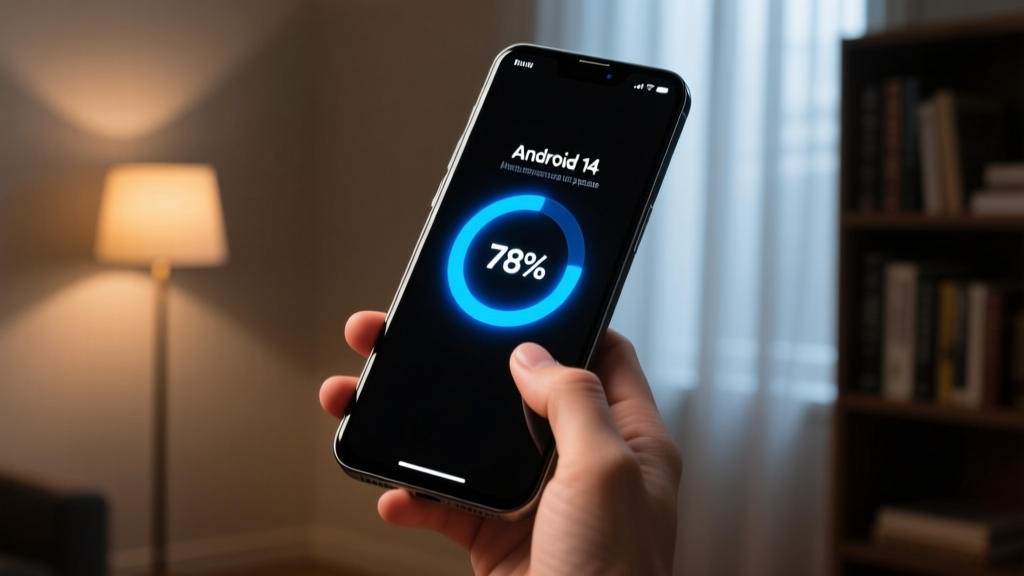
Executing a flawless fake update android 14 prank requires more than just a static image; it demands a meticulous recreation of the operating system's native update environment. When you hand a friend or colleague a phone that appears to be undergoing a critical system update, you trigger a universal psychological response: forced patience mixed with mild anxiety. The device is temporarily "bricked" by the OS, rendering it untouchable. This makes the fake update android 14 interface the undisputed king of mobile pranks, as it naturally discourages the victim from tapping the screen or attempting to interrupt the process.
In 2026, smartphone users are highly attuned to the visual language of their devices. A convincing prank must replicate the exact Material You design system, including dynamic color theming, precise typography (Google Sans Text), and the signature sweeping gradient arc of the native progress indicator. Our simulator tool bridges the gap between a basic joke app and a pixel-perfect replica, ensuring that even power users are fooled by the authenticity of the UI.
How to Launch a Fake Update Android Full Screen Prank
The biggest point of failure in any mobile web prank is the browser interface. If the victim sees a URL bar, a reload button, or browser tabs, the illusion is instantly shattered. To achieve a true fake update android full screen effect, our tool leverages the W3C Fullscreen API combined with Progressive Web App (PWA) manifest configurations.
Follow these exact steps to deploy the prank flawlessly:
- Pre-load the Simulator: Open the ScreenTools fake update simulator on the target device while you still have control of it. Allow the page to cache all SVG assets and CSS animations to prevent any mid-prank loading stutter.
- Hide the UI: Tap the "Enter Fullscreen" button. This triggers the browser's native request to obscure the OS navigation bar and status bar.
- Lock the Orientation: Ensure the device's auto-rotate is disabled. The update screen is hardcoded to portrait mode; rotating the device mid-update is a dead giveaway.
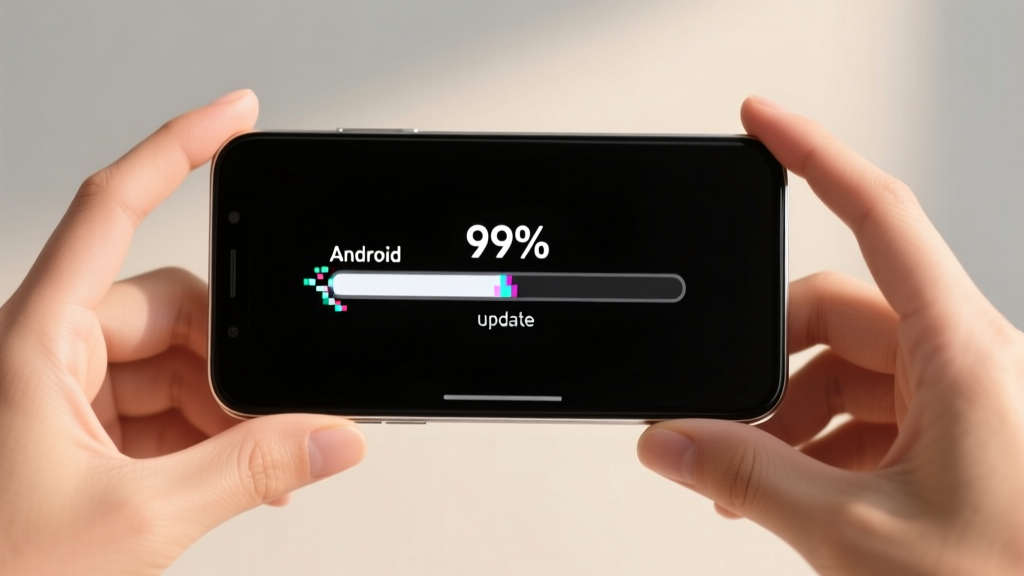
- Set the Trap: Adjust the progress bar speed to "Glacial" (approximately 1% every 45 seconds) or set it to freeze permanently at 99%. Hand the device to your target, claiming you urgently need them to read an email or view a photo, but "the phone is stuck updating."
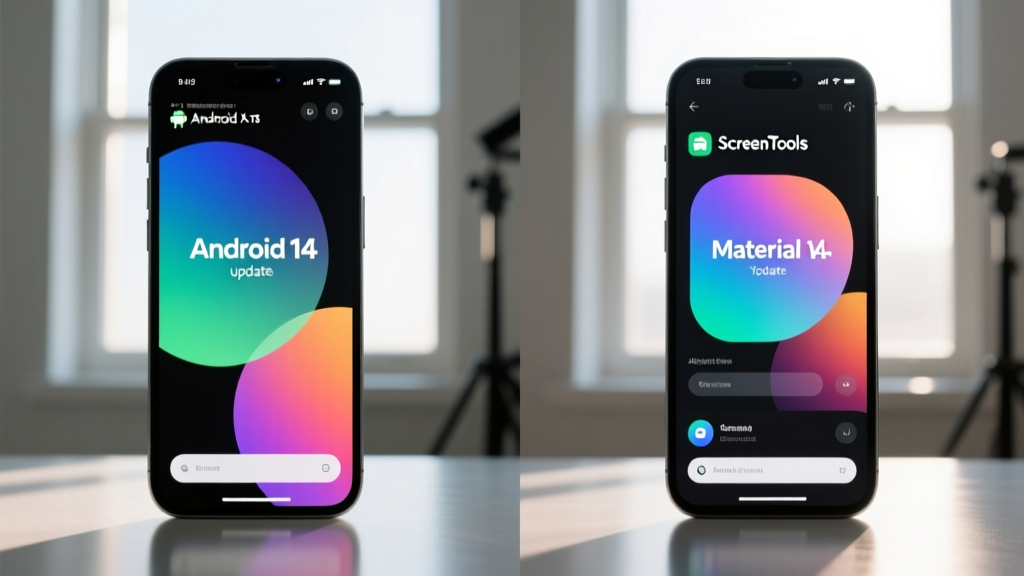
Customizing Your Fake Android Update Screen for Maximum Realism
Off-the-shelf prank apps often fail because they lack granular control over the update parameters. A real OS update behaves dynamically. To elevate your fake android update screen from a cheap trick to a masterclass in deception, utilize the advanced customization matrix built into our simulator.
| Prank Element | Default Behavior | Pro-Prank Customization | Psychological Impact |
|---|---|---|---|
| Progress Speed | Steady 1% per second | Variable: Fast to 80%, then stalls | Creates false hope followed by intense frustration. |
| Status Text | "Updating system..." | "Optimizing app 142 of 218..." | Implies a massive, unavoidable background process. |
| Error Simulation | None | "Error 0x800F0984: Boot partition mismatch" | Induces genuine panic about data loss and device bricking. |
| Thermal Warning | Disabled | "Device is running hot. Update paused." | Provides a highly realistic excuse for why the phone cannot be used. |
By utilizing the Material Design 3 Dynamic Color Guidelines, our tool samples the device's current wallpaper (where permissions allow via PWA integration) and adjusts the progress ring and text accents to match the user's native system theme. This level of detail is what separates a novice prankster from a professional.
Hardware Considerations: OLED, Punch-Holes, and Refresh Rates
Modern smartphone hardware presents unique challenges for web-based pranks. When spoofing a fake update android 14 environment, the simulator must account for physical hardware intrusions. Edge-to-edge displays with punch-hole front cameras require the CSS env(safe-area-inset-top) property to ensure the fake status bar and progress text do not overlap awkwardly with the physical camera lens.
Furthermore, high-refresh-rate displays (120Hz and 144Hz) demand optimized CSS animations. A standard 60fps JavaScript interval will cause visible judder on a modern Samsung Galaxy or Google Pixel device, immediately alerting the victim that the screen is a web overlay. Our engine utilizes requestAnimationFrame and hardware-accelerated CSS transforms to ensure the spinning update ring matches the native refresh rate of the panel, delivering a buttery-smooth, indistinguishable visual experience.
Advanced Scenarios: Beyond the Basic Progress Bar
Once you have mastered the standard progress bar stall, explore these advanced variations to maximize the impact of your fake update screen mobile deployment:
- The Bootloop Scare: Configure the simulator to reach 100%, trigger a black screen for 5 seconds, and then restart the update process from 0% with the text "Update failed. Reverting changes..." (Note: Use this only on victims with a strong heart, as it mimics a catastrophic OS failure).
- The Battery Drain Decoy: Overlay a fake battery widget that drops from 45% to 2% over the course of three minutes, culminating in a fake "Low Battery - Update Halted" screen. This forces the victim to hunt for a charger, buying you even more time.
- The Biometric Lock: Simulate a post-update security lockout that demands a fingerprint scan, but program the scanner overlay to repeatedly fail with "Sensor dirty or unreadable," preventing them from accessing the home screen.
Frequently Asked Questions
How do I ensure the fake update Android full screen effect hides the browser UI?
Standard mobile browsers will always display a minimal URL bar or bottom navigation pill for security reasons. To achieve a true fake update android full screen experience without any browser chrome, you must use the "Add to Home Screen" feature. This installs the ScreenTools simulator as a Progressive Web App (PWA). When launched from the home screen icon, the PWA manifest's display: fullscreen property takes over, completely hiding the browser interface and mimicking a native system application.
Will running a fake update screen mobile prank damage my OLED display?
A common concern with the fake update screen mobile tool is OLED burn-in, given that the prank features static white text on a pure black background. To prevent pixel degradation, our 2026 engine includes an invisible micro-shift algorithm. The text and progress elements shift by 1.5 pixels every 4 seconds—a movement entirely imperceptible to the human eye but sufficient to protect the organic light-emitting diodes from permanent image retention.
Can I deploy this fake Android update screen on tablets and foldables?
Yes, but with caveats. The native Android update screen on tablets and foldables (like the Pixel Fold or Galaxy Z Fold) often utilizes a split-screen layout, placing the progress ring on the left and the changelog on the right. Our simulator includes a responsive media query toggle. If you are pranking someone on a tablet, switch the layout mode to "Tablet/Foldable" in the settings menu before initiating the full screen API to ensure the UI scales appropriately to the wider aspect ratio.
Why does the progress bar sometimes stutter on older devices?
If you are running the prank on an older device (e.g., a budget smartphone from 2021 or earlier), the browser's JavaScript engine may struggle to render the complex SVG gradient animations concurrently with the DOM updates. To fix this, access the "Performance Mode" toggle in the simulator settings. This disables the dynamic color shifting and simplifies the progress ring to a flat, solid-color stroke, ensuring a perfectly smooth animation even on low-end chipsets.
Related questions
Cheap vs Premium Alternatives: What You’re Really Paying For — And When It’s Worth It
A data-driven analysis of cost-performance tradeoffs across everyday categories—headphones, running shoes, cookware, laptops, and electric toothbrushes—using real-world durability tests, third-party lab results, and long-term user studies.
Discover FAQ Answered: Real User Questions, Verified Answers, and Data-Driven Insights
A no-nonsense breakdown of the most frequently asked questions about Discover credit cards — covering APRs, cash back rates, credit score requirements, late fee policies, international usage, and redemption mechanics — all backed by 2024 issuer disclosures, FTC filings, and real consumer data from J.D. Power and the CFPB.
12 Practical DIY Streaming Ideas That Actually Work in 2024
Discover battle-tested, low-cost DIY streaming setups—from smartphone rigs to Raspberry Pi encoders—backed by real-world specs, latency benchmarks, and verified gear compatibility. No fluff, no subscriptions, just actionable ideas you can build this weekend.
How To Match Streaming With Screen: A Technical Guide for Optimal Video Playback
A precise, data-driven guide to aligning streaming parameters—bitrate, resolution, frame rate, and color profile—with your display’s native capabilities to eliminate stutter, banding, overscan, and motion blur. Includes real-world measurements from LG C3, Samsung S95C, Sony X90L, and Apple TV 4K (2023).
Best Online Streaming Services in 2024: Performance, Content, and Value Compared
A data-driven comparison of Netflix, Disney+, Max, Hulu, Apple TV+, Paramount+, and YouTube Premium — including real-world load times, resolution caps, regional content gaps, pricing tiers, and subscriber metrics across 12 countries.